 Rhino
RhinoRhino payment fees and customization limits
Updated -Rhino subscription clients need Advanced Fee and Limit Management for changes to their existing fee settings. The standard onboarding setup lets a business choose one global configuration across its customers and supported routes. It covers the Client Surcharge and how applicable deposit-address and destination gas charges are assigned. A surcharge is the business’s own charge to its end customer; it can use a fixed amount, a percentage, or both. The advanced extension adds customer-specific and route-specific policies, alongside visibility into relevant account limits. Choosing a fee policy also means deciding who absorbs applicable costs, how collected surcharges appear in billing, and which limits remain separate from pricing.
The short version: A customer-specific surcharge applies when its policy conditions match, while the applicable default governs activity without a matching exception.
Confirming a customer-specific fee change
A customer-specific fee change requires the advanced extension before it can override the account’s standard configuration. If your requirement is to change charges for selected customers, define the intended difference first. Their matching payments should carry the revised surcharge, while other payments keep their applicable default or existing policy. Customer identification connects the exception to the project where the policy applies.
- Confirm the subscription account has Advanced Fee and Limit Management enabled.
- Identify the customers or deposit addresses the policy should cover.
- Choose a fixed surcharge, a percentage surcharge, or a combination.
- Preserve the applicable default and any unrelated fee policies.
- Agree how covered onchain charges are allocated to the business or customer.
The account representative activates extensions and handles fee configuration requests. If the required extension is absent, retain the existing global settings or arrange activation before changing them. After configuration, compare the surcharge displayed and collected for affected activity with the requested rule. Check unaffected activity separately. The month-end rebate confirms the billing treatment of collected surcharges; it doesn’t establish whether every customer matched the intended policy.
What changes require Advanced Fee and Limit Management?
Later edits and customer-specific or route-specific fee settings require the advanced extension, even when the underlying subscription remains unchanged.
The global onboarding configuration
Standard subscription onboarding includes an initial fee configuration without an additional configuration charge. Those settings apply across all customers and all supported chains and tokens on the account. Without Advanced Fee and Limit Management, subscription fee settings are fixed after onboarding. A uniform surcharge and a global choice of who pays applicable onchain charges belong to this initial setup.
Edits after onboarding
With the extension enabled, the business can update its Client Surcharge and change covered onchain fee handling. It can also vary surcharges by customer or route and assign fee handling per project or route. Chain and token conditions in a fee policy apply to the integration’s supported payment routes.
Customer surcharges and monthly billing
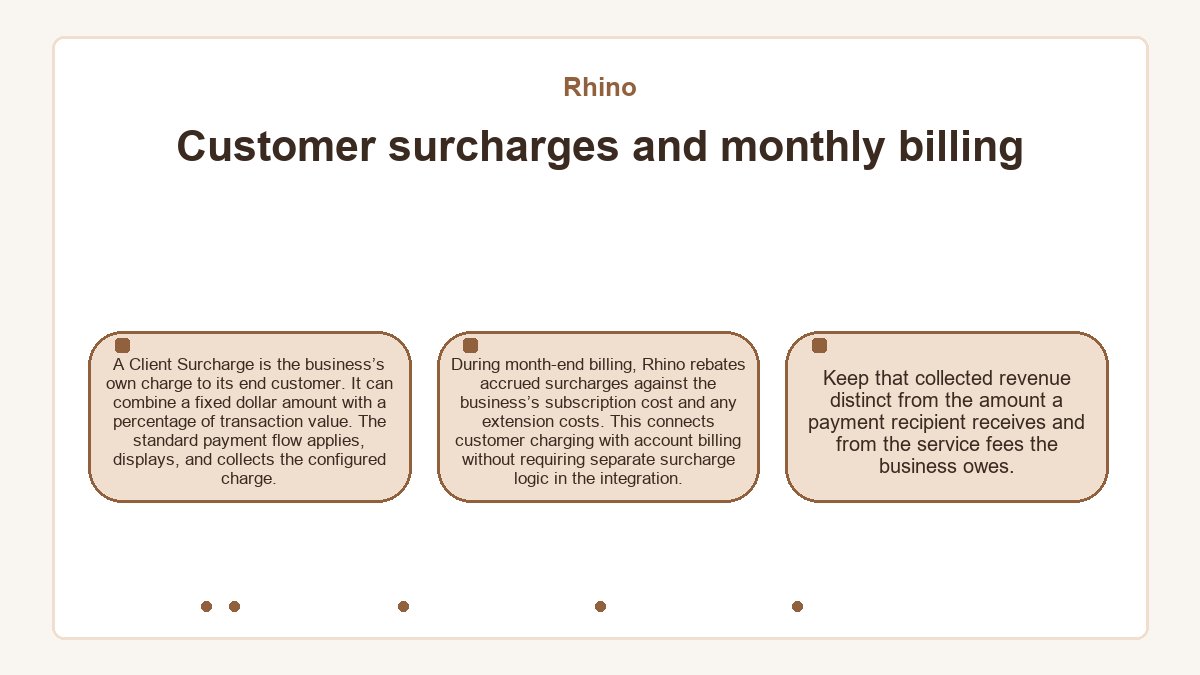
A Client Surcharge is the business’s own charge to its end customer. It can combine a fixed dollar amount with a percentage of transaction value. The standard payment flow applies, displays, and collects the configured charge. During month-end billing, Rhino rebates accrued surcharges against the business’s subscription cost and any extension costs. This connects customer charging with account billing without requiring separate surcharge logic in the integration. Keep that collected revenue distinct from the amount a payment recipient receives and from the service fees the business owes.
Customer and route exceptions within a project
The advanced extension supports a Default Policy across one or more projects. A Fee Policy overrides the Default Policy when its specified conditions match. Each exception therefore needs a precise matching scope.
Customer matching
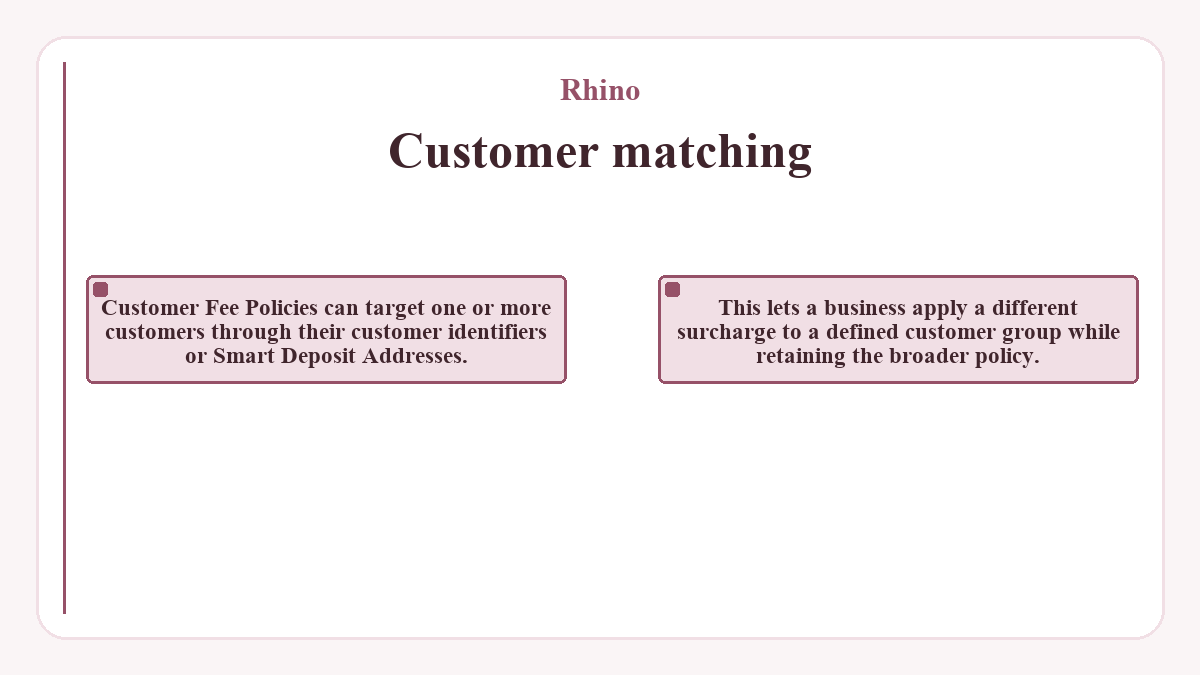
Customer Fee Policies can target one or more customers through their customer identifiers or Smart Deposit Addresses. This lets a business apply a different surcharge to a defined customer group while retaining the broader policy.
Source and destination conditions
Route Fee Policies can specify chains, tokens, or a combination of both. Conditions can distinguish the source from the destination, so direction matters when describing an exception. A policy scoped to a token being deposited differs from one scoped to a token received after conversion. Fixed-rate stablecoin settlement also has its own extension and eligibility conditions. Selecting a source or destination token for a fee rule doesn’t activate that conversion service.
Fee sponsorship and chain-specific charges
Subscription pricing covers Rhino’s onchain processing costs for standard deposit-address movements and bridge settlement. Applicable chain-specific charges are exceptions, with their handling agreed during onboarding. These flows require the relevant chain access to be enabled. Tron and Bitcoin Smart Deposit Address deposits have their own charges. Destination gas charges also apply to covered transactions settling on Tron or Solana. The business pays these applicable charges through its invoice by default, or it can pass them to the end customer. Changing that allocation later requires the advanced extension. With the extension enabled, covered fee-payer choices can vary per project or route.
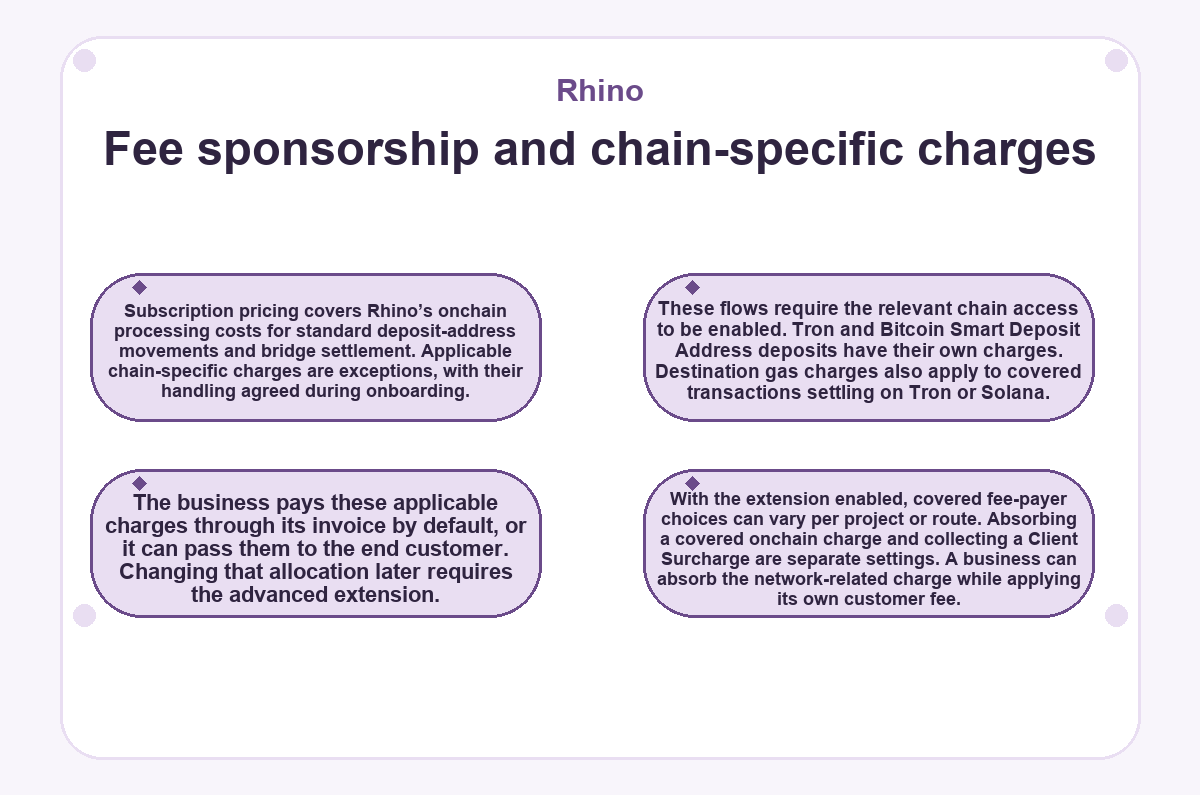
Absorbing a covered onchain charge and collecting a Client Surcharge are separate settings. A business can absorb the network-related charge while applying its own customer fee.
Payment limits beyond the fee configuration
Fee settings govern customer charging; payment limits govern the amounts and activity the account can process. The advanced extension provides visibility into relevant limits, with separate conditions for fixed-rate conversion.
Address allowances and deposit amounts
Smart Deposit Address limits include the total address allowance and any applicable address-generation windows. Minimum and maximum deposit values apply at project level. Deposits outside these limits aren’t processed, apart from a grace window for differences between price sources and for price fluctuations. Bridge & Swap also has minimum and maximum transaction values per token and chain. Activity outside its configured bounds won’t be processed. The quote response can report when an amount breaches a limit. The account representative can discuss tailored limits for transaction sizes outside standard bounds. Reading a displayed limit gives its configured value; it doesn’t grant permission to edit it directly.
Conversion limits and market-rate fallback
1:1 Stablecoin Settlement converts between USDT and USDC on supported chains where both tokens are available. When enabled, its volume limits can apply to the account and individual recipients. Hitting the relevant limit changes affected conversions to market pricing. A recipient-level breach affects that recipient’s transactions, without automatically changing pricing for every customer. Separate market-rate guardrails set how far the USDT/USDC rate can deviate from 1:1 while fixed-rate conversion remains available. With both extensions enabled, an additional client guardrail can extend fixed-rate conversion beyond the service’s standard market-rate guardrail. Outside the applicable guardrail, conversion returns to market pricing. Discuss the required deposit capacity and conversion conditions alongside any requested fee adjustment.
Things people ask
Do trial fees show what a subscription customer will pay?
Trial fees don’t represent the production fee structure of a subscription account. Trial transactions use testing fees deducted from the destination amount, and extensions aren’t included in the standard trial setup. Subscription pricing uses a monthly allowance, with applicable chain-specific charges agreed during onboarding. A trial can demonstrate payment functionality without establishing the eventual commercial configuration.
Will a fee policy change require redeploying the integration?
Fee policy changes use configuration and don’t require a code redeployment. The account representative handles the adjustment with the required extension enabled.
How can deposit-address usage be checked programmatically?
The deposit-address rate-limit status endpoint reports generated address counts against the account allowance. Where address-generation window limits apply, its response includes those limits too. These measures concern address creation, while minimum and maximum deposit values concern funds received. Neither measure is the customer’s surcharge.
Why does a subscription quote still include fee information?
Subscription quotes can show the underlying processing costs even when Rhino bears those costs under the plan. A fee field’s presence alone doesn’t establish a charge passed to the customer. Customer surcharges and applicable chain-specific fee handling follow the account’s separate configuration.
When does a quoted fee stop being valid?
Rhino honors the quoted fee until the quote’s expiry timestamp. The response supplies that timestamp in expiresAt, so the relevant deadline belongs to the individual quote. A saved quote amount doesn’t establish a permanent fee for later activity.
Does subscription access automatically activate advanced fee customization?
Subscription access doesn’t automatically establish that the advanced fee extension is active. Available extensions differ by plan, and the account representative enables the agreed features.
Are charges from a separate sending service included in the subscription?
Fees owed to third-party services aren’t included in Rhino’s service fees. Charges associated with a separate sending service therefore need their own treatment. Sponsoring the covered payment activity doesn’t automatically absorb an external provider’s charges.